












Your Music. Your Sound. One App.

Every song you love, with a seven-band equaliser, Your DJ and lyrics that follow every word. No subscription.

Windows Mac Android iPhone

Picture a world where experiencing premium-quality music didn't come with the premium price tag.

DAMN. by Kendrick Lamar
Karan Aujla
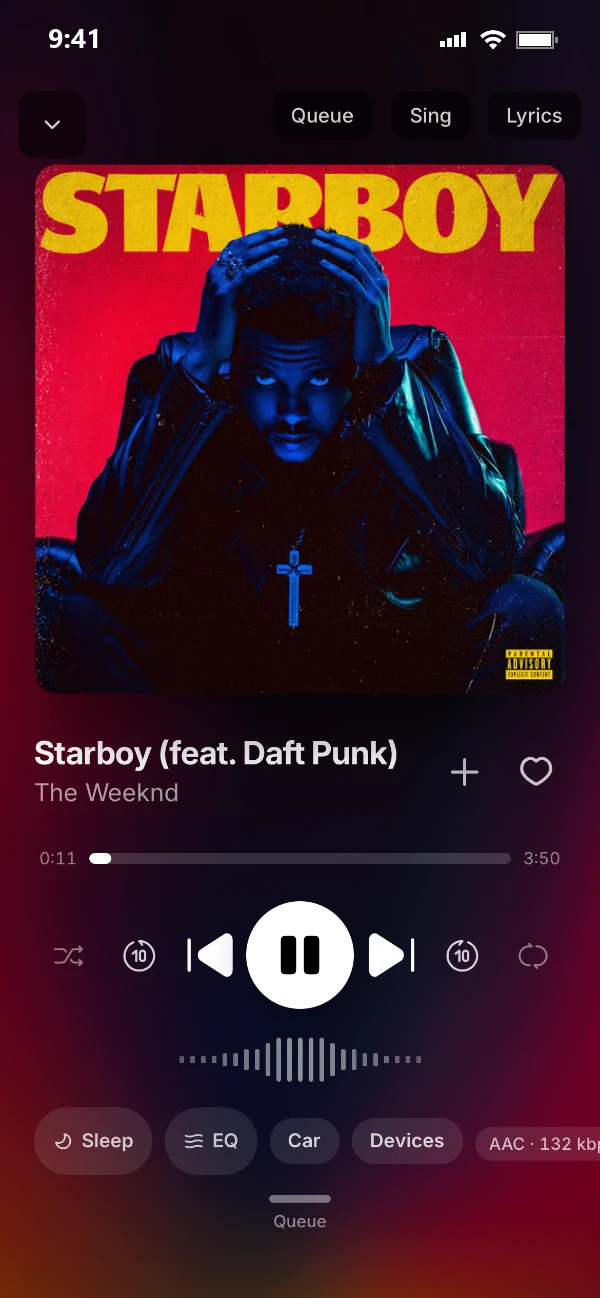
Starboy by The Weeknd
Drake
SOS by SZA
Bad Bunny
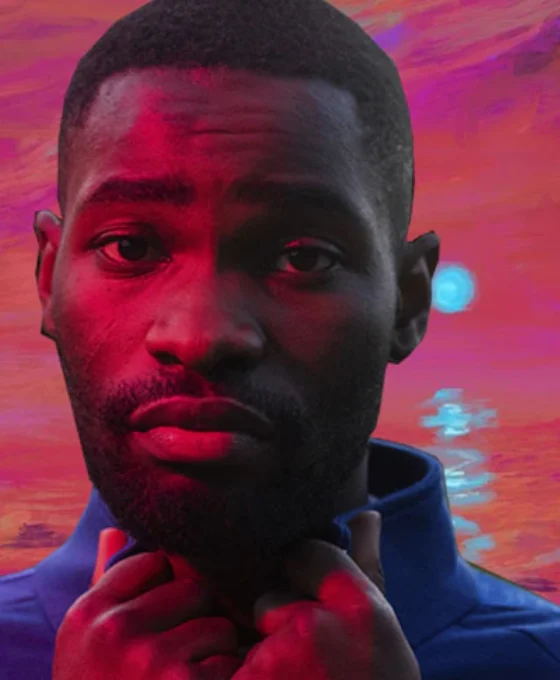
Dave
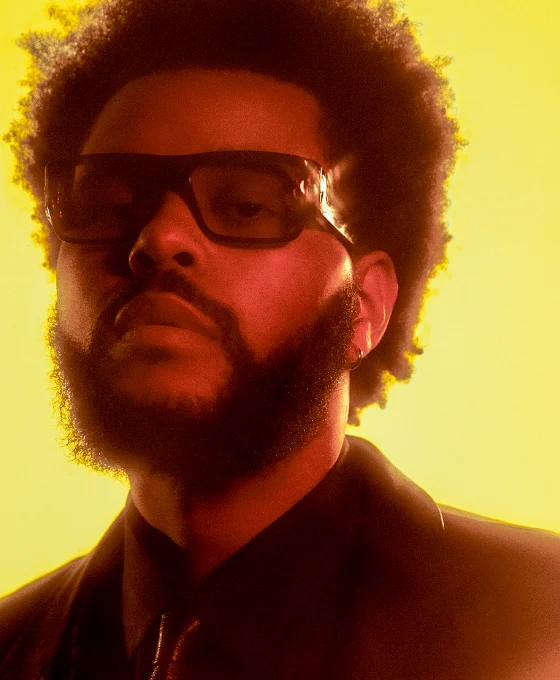
The Weeknd
Taylor Swift
Astroworld by Travis Scott
Diljit Dosanjh
Graduation by Kanye West
Short n' Sweet by Sabrina Carpenter
After Hours by The Weeknd

The future of music streaming.

Kernl brings your music experience together in one beautifully designed platform. Discover music, enjoy premium listening features and take control of how you experience the music you love. Everything you need, without the unnecessary subscription costs.

Music,
on your terms.

Your music should sound the way you want it to. Enjoy a listening experience built around your preferences, with the features you expect from a premium music platform.

  • High-quality listening
  • Equaliser & audio tuning
  • Music discovery
  • Personal library
  • Playlists & playback controls
  • Accessible listening

Tuned to
your ears.

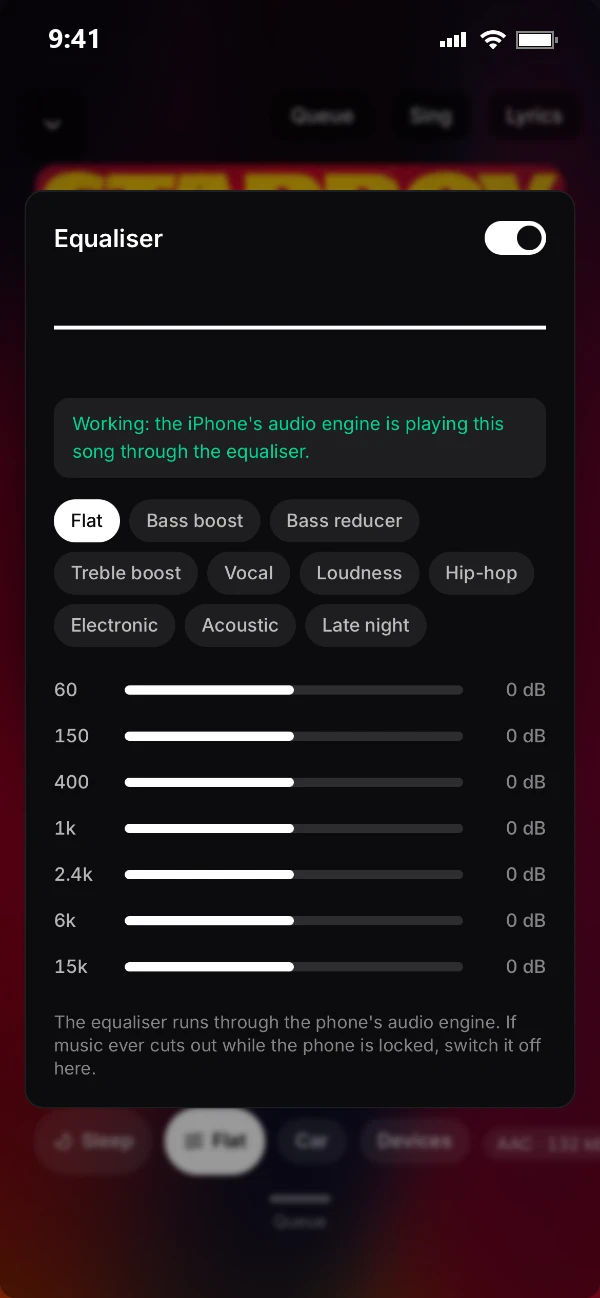
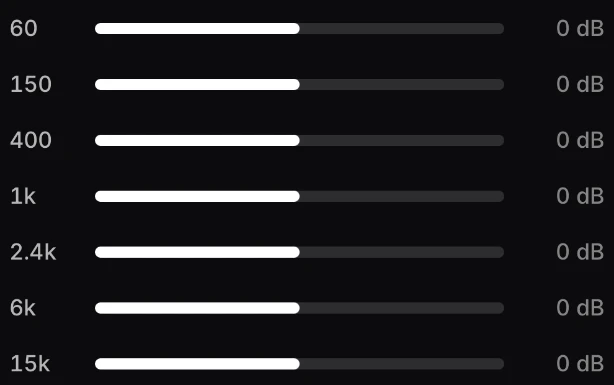
A seven-band equaliser from 60 Hz to 15 kHz, with ten presets — from Bass boost and Vocal to Loudness and Late night — running through your phone's own audio engine.

  • Flat
  • Bass boost
  • Vocal
  • Loudness
  • Hip-hop
  • Late night

Discover. Listen. Experience.

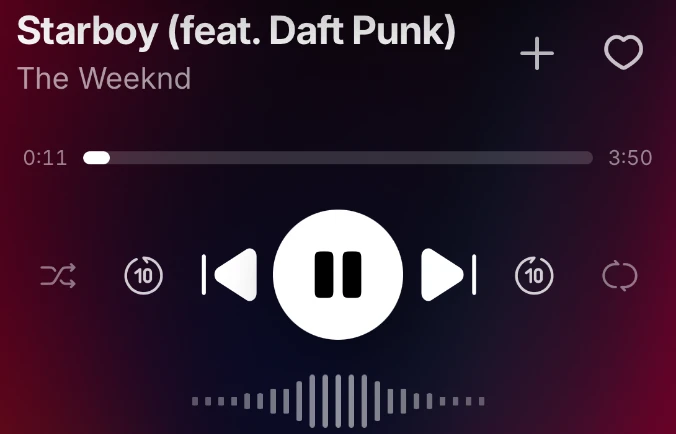
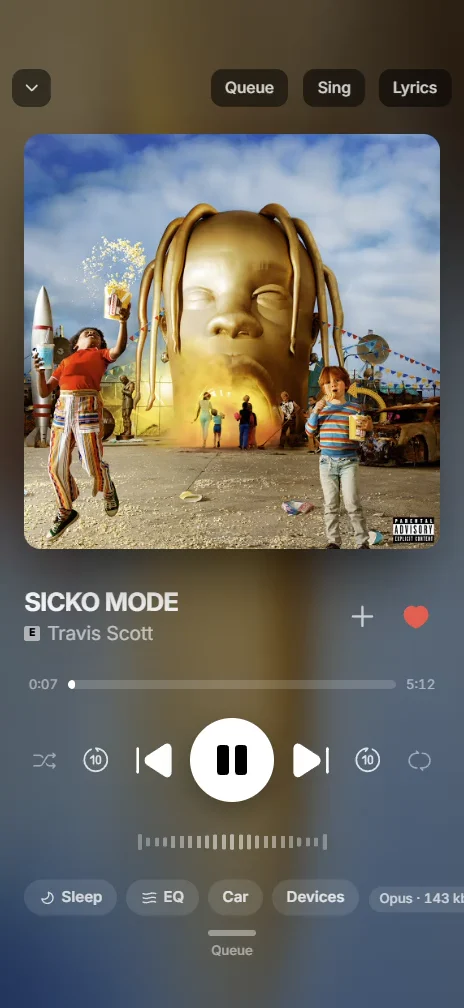
  • A polished player with the controls you expect — shuffle, repeat, skip ten seconds either way, a live waveform and a clear view of what's playing.

  • A seven-band equaliser with ten presets, from Bass boost to Late night — and a one-tap switch to turn it off.

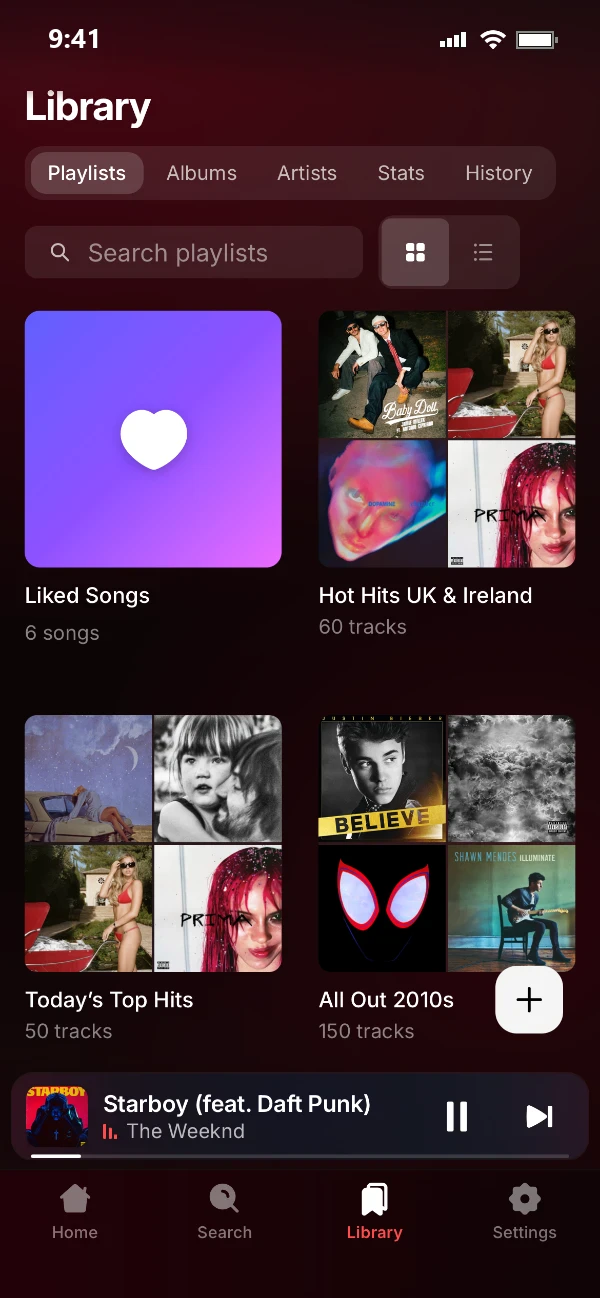
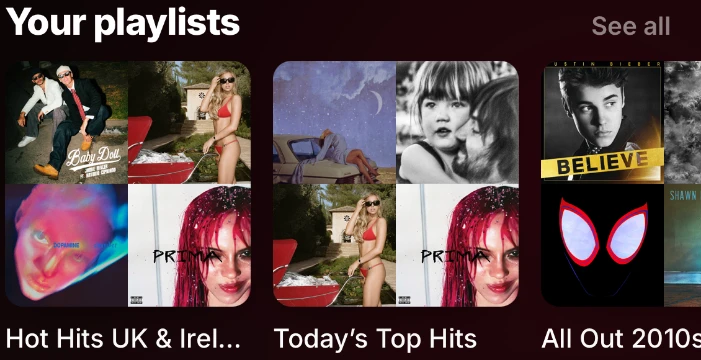
  • Your playlists, albums and artists in one place, with stats and listening history built in. Grid or list — your call.

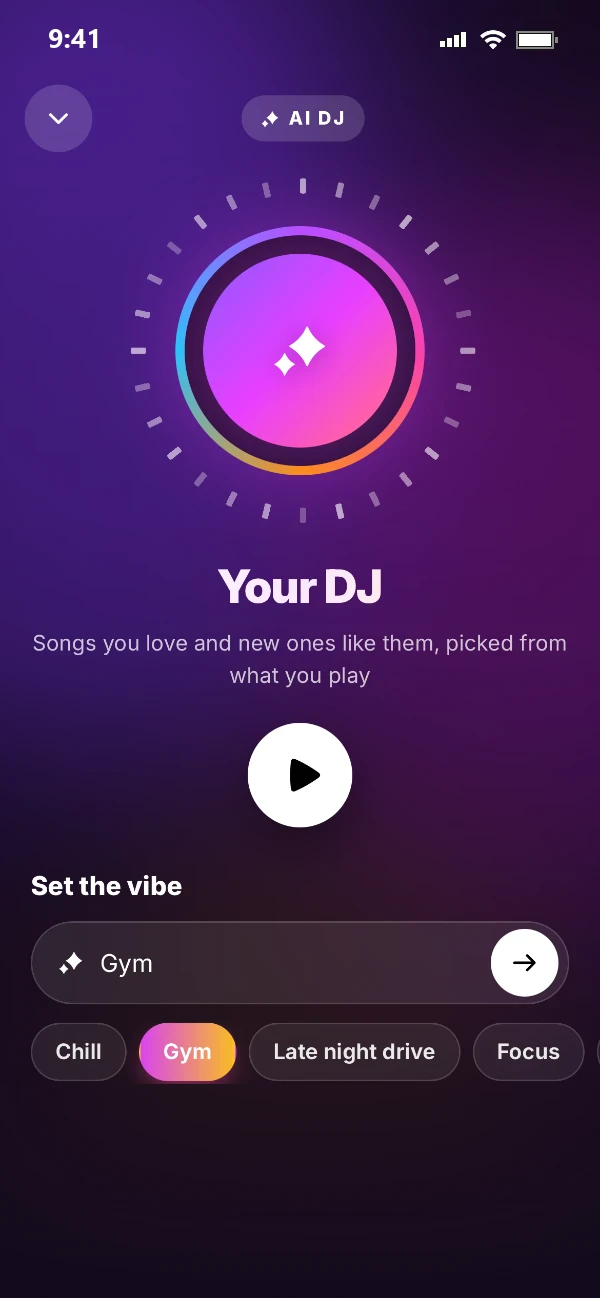
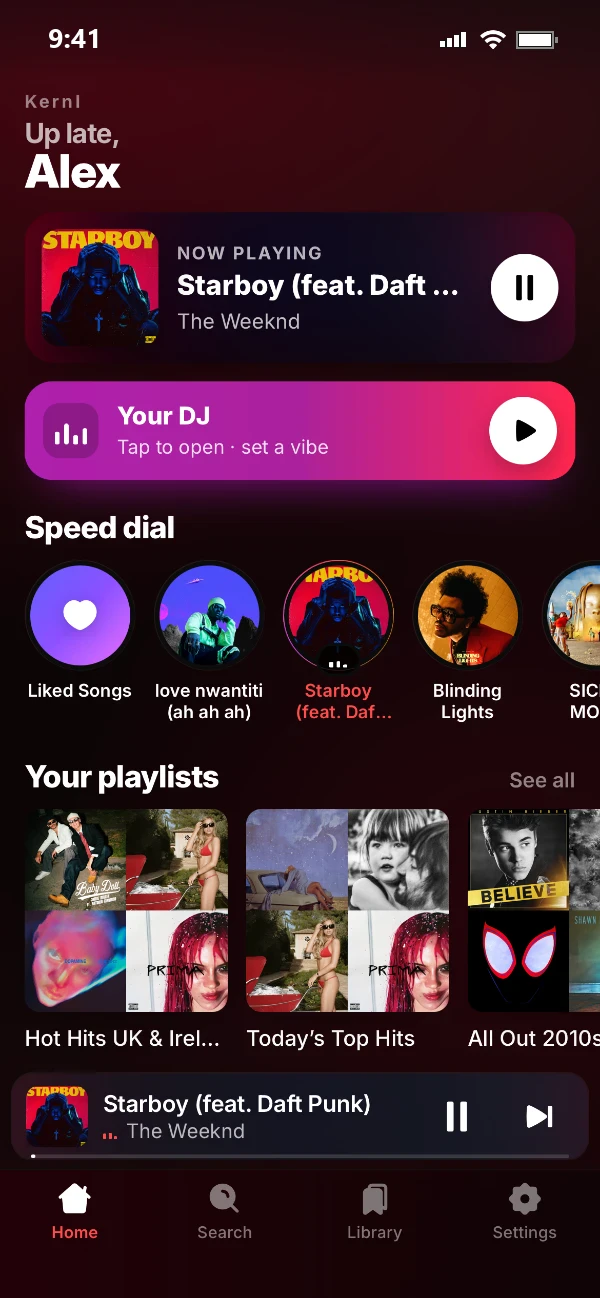
  • Your DJ plays songs you love and new ones like them, picked from what you play. Set the vibe: Chill, Gym, Late night drive or Focus.

  • A clean home screen with Now Playing up top, Speed dial for your favourites and your playlists one tap away.

  • The premium listening experience, without the premium subscription price.

kernl for Windows and Mac

Bigger screen.Same kernl.

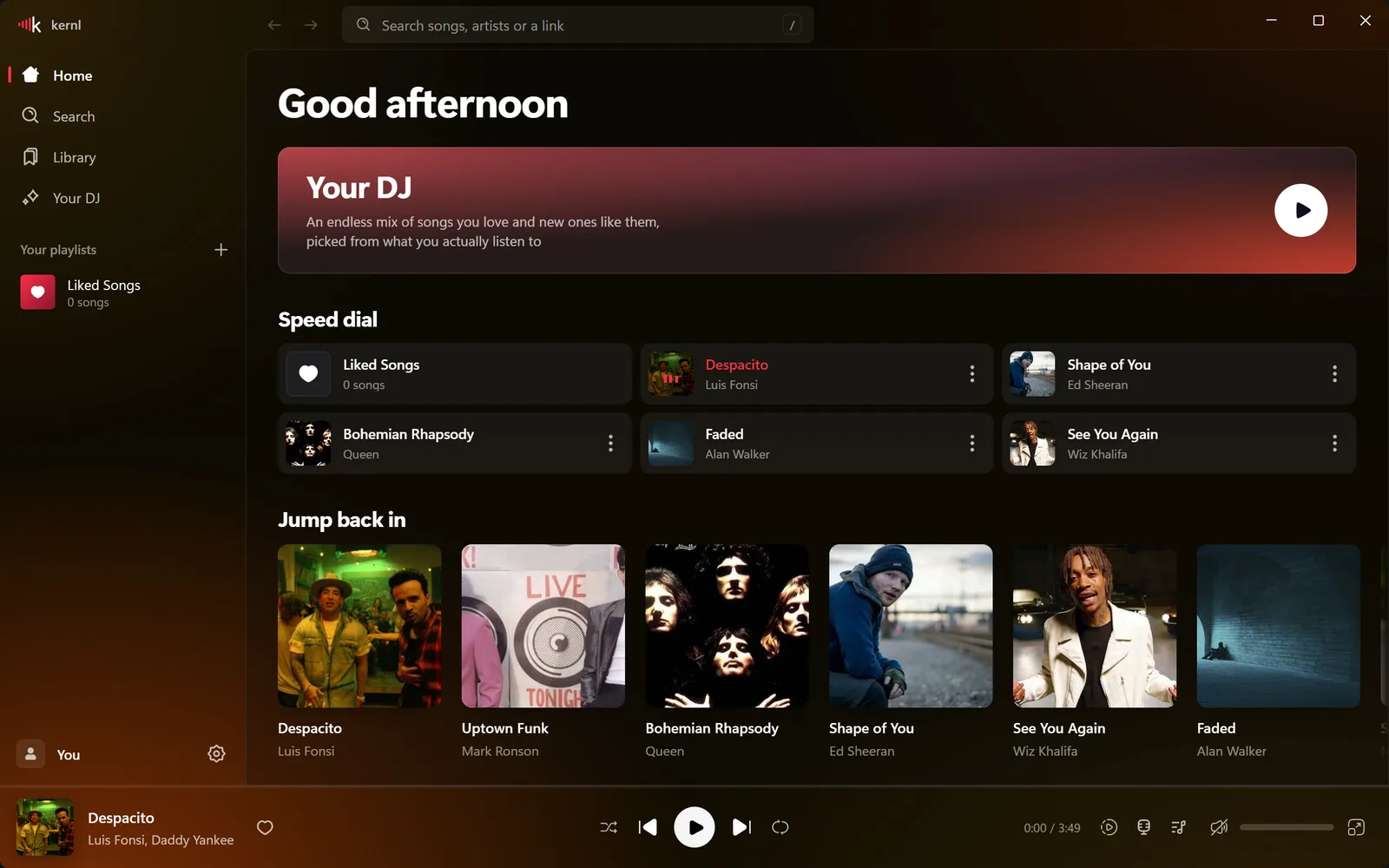
The full app on your computer, with your playlists down the side and the colours of the song glowing behind the window.

Get kernl for your computer
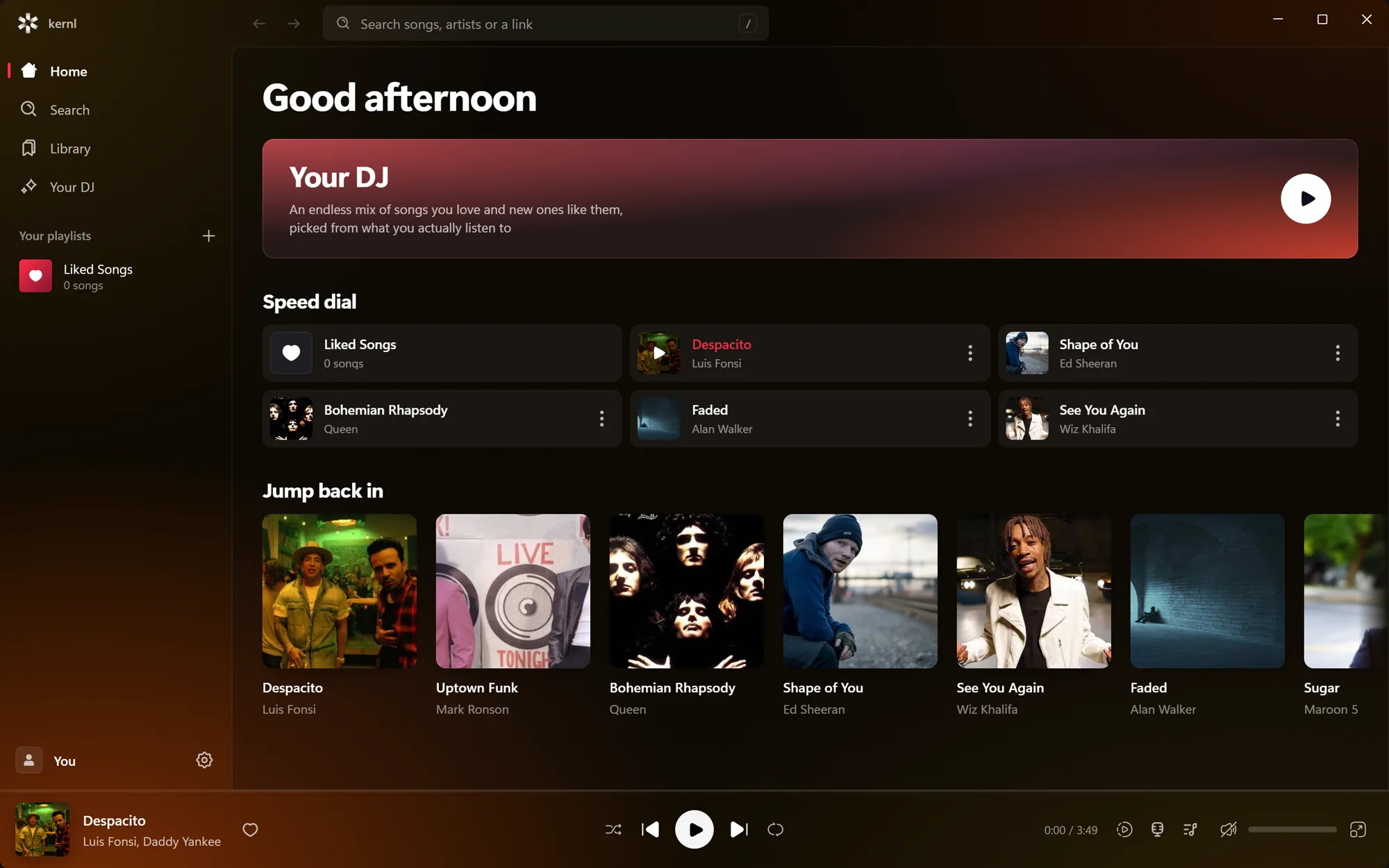
kernl for Windows: the home screen with Your DJ, Speed dial and Jump back in

Not Just Listening

Designed around the way you listen

Premium Sound
for Everyone

Join Discord

Accessible for
Listeners

One Experience.Every Screen.

Your music, wherever you listen. The same kernl experience across all your devices.

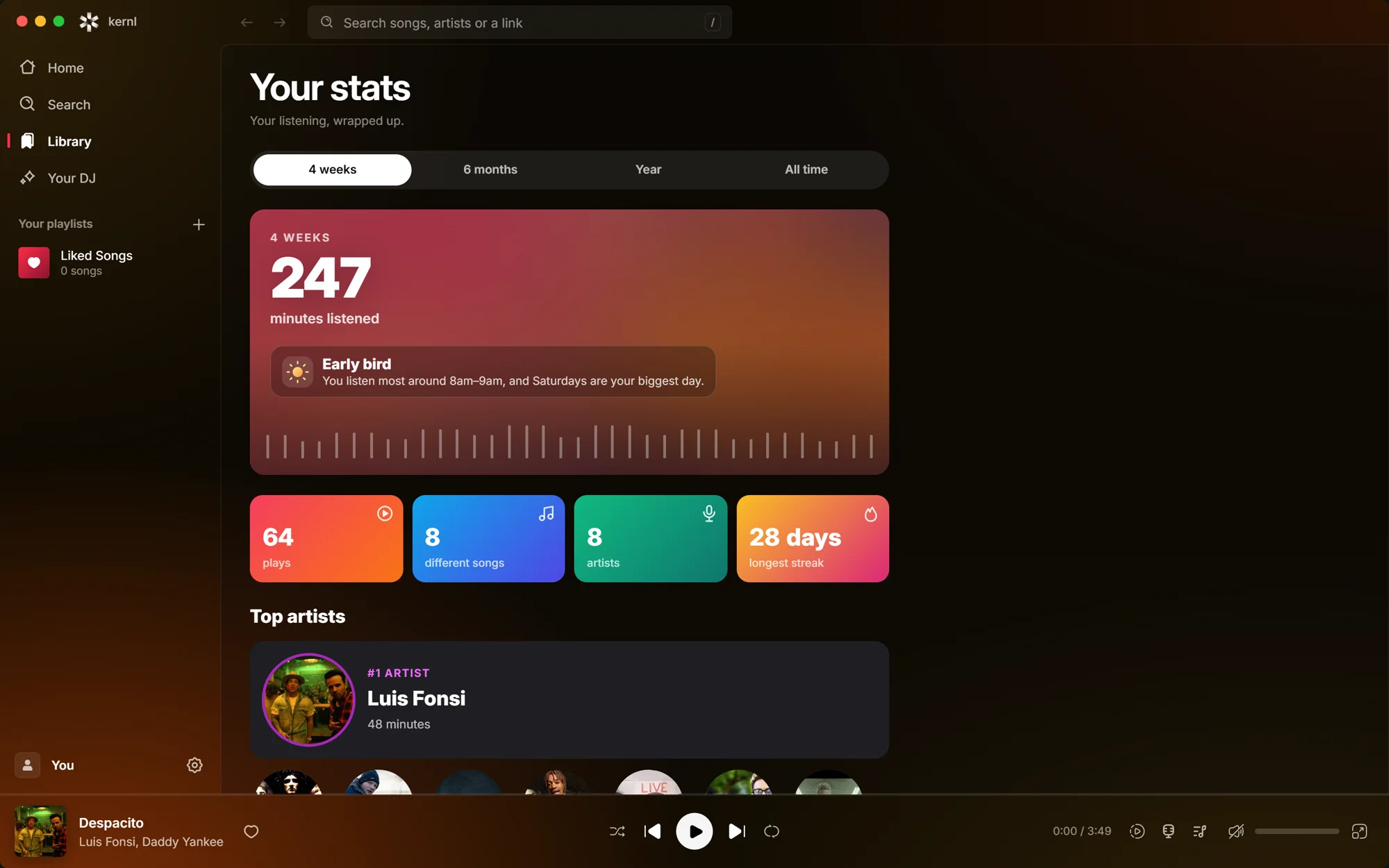
kernl for Mac on a MacBook Pro: Your stats
Mac
kernl for Windows on a desktop monitor: the home screen with Your DJ and Speed dial
Windows
iPhone
Android

Download kernl

For ThoseWho Breathe Music

Every download is a small setup: it asks for your access key, then fetches the newest kernl and installs it for you.

kernl for iPhone

Run the iPhone Setup on a Windows PC or a Mac, plug your iPhone in with a cable, and it puts kernl on your phone.

iPhone Setup for Windows

  • Needs iTunes from the Microsoft Store (the setup shows you where)
  • Sign in with any Apple ID, a free one works
Windows says "Windows protected your PC"?

The setup isn't code-signed yet, so SmartScreen may warn you the first time. Choose More info, then Run anyway.

iPhone Setup for Mac

  • macOS 11 Big Sur or later, nothing else to install
  • Sign in with any Apple ID, a free one works
Which one do I need, and what if macOS won't open it?

Open the Apple menu and choose About This Mac. If it lists a Chip (M1, M2 and so on), get Apple silicon; if it lists a Processor (Intel), get Intel.

The setup isn't notarised by Apple yet, so macOS blocks the first open. Open System Settings, go to Privacy & Security, scroll down and click Open Anyway.

kernl for Windows, Mac and Android

The kernl app for your computer or Android phone.

Windows

  • Installs for your user account, no admin rights needed
  • Always fetches the newest kernl
Windows says "Windows protected your PC"?

The setup isn't code-signed yet, so SmartScreen may warn you the first time. Choose More info, then Run anyway.

Mac

  • macOS 13 Ventura or later
  • One setup for Apple silicon and Intel; it puts kernl in Applications
macOS won't open it?

The setup isn't notarised by Apple yet, so macOS blocks the first open. Open System Settings, go to Privacy & Security, scroll down and click Open Anyway.

Before you install

Goodquestions.

Which devices can I use kernl on?

Windows, Mac, Android and iPhone. Every download is just above; the iPhone version installs from a Windows PC or a Mac with the iPhone Setup. Join the Discord for help and news.

Do I need an access key?

Yes. Every setup asks for an access key. To get a key, you will need to join the kernl Discord. A key belongs to one device, so if you switch devices, ask on Discord to have it moved.

Which iPhone Setup for Mac do I need?

Open the Apple menu and choose About This Mac. If it lists a Chip (M1, M2 and so on), get Apple silicon. If it lists a Processor (Intel), get Intel. Both need macOS 11 Big Sur or later. The kernl for Mac setup is one download for both.

Why does my computer warn me before opening kernl?

The kernl setups aren't code-signed yet. On Windows, choose More info, then Run anyway. On a Mac, open System Settings, go to Privacy & Security and click Open Anyway.

What can kernl do?

A seven-band equaliser from 60 Hz to 15 kHz with ten presets; Your DJ, with vibes such as Chill, Gym, Late night drive and Focus; Sing, Lyrics and Queue in the player; Car mode, a sleep timer, offline downloads, listening stats and playlist import. See the features.

Download kernlWindows · Mac